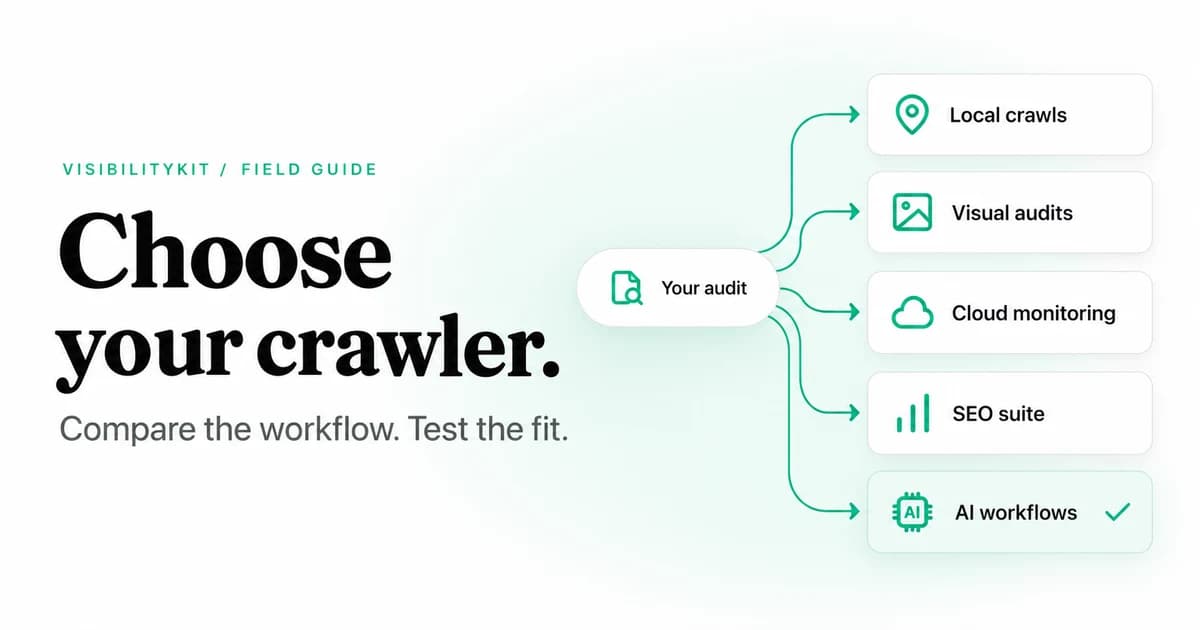
The right Screaming Frog alternative depends on what you need to change about your audit workflow. VisibilityKit Crawler suits local audits driven by an AI client. Sitebulb suits visual explanations and stakeholder reporting. Ahrefs Site Audit and Semrush Site Audit suit teams that want crawling inside a wider SEO platform. For a small site, Screaming Frog's own free edition may already be enough.
This guide compares five alternatives by the work they help you do, then gives you a repeatable way to evaluate a replacement. It is written by VisibilityKit, which makes one of the products below. The comparison uses vendor documentation checked on 21 October 2026, not a hands-on performance benchmark.
Use the free crawler comparison worksheet to score your shortlist on the same site.
Choose a crawler by its evidence, rendering behavior, reporting workflow and operating cost. Test it against a site you understand before replacing an established audit process. A lower price does not establish feature parity.
Screaming Frog alternatives at a glance
| Tool | Best fit to evaluate | Delivery | Main tradeoff to check |
|---|---|---|---|
| VisibilityKit Crawler | Local audits, MCP access and verification of fixes | Desktop | Newer product; narrower audit breadth than Screaming Frog |
| Sitebulb | Visual explanations and client communication | Desktop or cloud | Choose the deployment and subscription that match the workload |
| Ahrefs Site Audit | Technical audits alongside backlink and keyword research | Cloud | Account allowances, ownership requirements and paid capabilities |
| Semrush Site Audit | Scheduled audits inside an existing marketing suite | Cloud | Site Audit access and limits depend on the subscription |
| SEO PowerSuite Website Auditor | Desktop auditing within an SEO software suite | Desktop | Check edition restrictions for saving, exports and automation |
These are different buying decisions. A desktop crawler uses your machine's resources; a cloud service runs remotely. A suite may be economical if your team already needs its other tools. Compare the cost of the workflow you will actually use, including reporting and maintenance.
1. VisibilityKit Crawler: for local audits and AI-assisted follow-through
VisibilityKit Crawler connects a desktop crawl to an MCP-compatible AI client. Its bundled MCP server lets an assistant work with actual crawl evidence. The same crawl remains available in the desktop interface, so you can inspect the findings instead of accepting a summary without supporting URLs.
Its strongest distinction is the path from a finding to a verified result. The Action Center keeps owners, notes and task status with an issue. A fresh check records the website's response after the change. A timeout remains inconclusive; marking a task fixed does not turn it into a successful verification.
That makes it worth evaluating when your recurring problem is the handoff between SEO and development. For example, an audit identifies internal links to a removed product. Your developer updates the template, then you check the affected source pages and destination again. The evidence belongs with the original finding.
Free and paid capabilities
The free tier includes technical audits, the Action Center, fresh-check verification, the bundled MCP server and HTML action-plan exports. Paid tiers add capabilities such as JavaScript rendering, integrations, crawl history and spreadsheet exports. Agency adds client workspaces and branded reporting.
The current listed prices are $99 once for Marketer and $149 once for Agency. A purchase includes 12 months of new releases; the optional update pass is $19 per year afterward. Existing licensed use continues without buying that pass. Licences are machine-bound, so review the licence terms and refresh requirements when planning a deployment. See the current plans and conditions before purchase.
Where it is not a direct replacement
Screaming Frog has a broader, more established technical audit toolset and mature command-line workflows. Do not replace a specialized configuration until you have reproduced its required output. VisibilityKit's desktop scheduler also needs the app open. JavaScript rendering requires a paid licence and a local Chrome or Chromium installation.
Local crawl storage does not make every AI workflow local. If you connect an external assistant or configure an AI provider, data supplied to that integration is subject to its settings and terms. Crawler also does not edit your website or guarantee search rankings.
2. Sitebulb: for explaining technical findings
Sitebulb offers desktop and cloud crawling with visualizations, prioritized issue guidance and reporting. It is a useful candidate when an audit must be understood by people who do not spend their day in URL tables.
The practical evaluation is a communication task: take one real problem, such as a category buried behind pagination, and see whether the output helps a colleague understand the affected pages and the proposed fix. Then assess how much editing the report needs before a client can act on it.
Choose between its desktop and cloud offerings based on where crawls should run and how the team will collaborate. Check current plan limits rather than assuming the two deployments have identical allowances.
3. Ahrefs Site Audit: for teams already using Ahrefs
Ahrefs Site Audit provides cloud-based technical checks, JavaScript execution, issue exploration and crawl-history views. It is a natural candidate when your team already uses Ahrefs for other SEO research.
The important question is whether consolidating the audit into that account reduces work. Try moving from an issue summary to a specific affected URL, then to an export a developer can use. Check that your account's crawl allowances and access cover your site and your clients' sites.
Its Ahrefs Free offering, formerly Webmaster Tools are worth investigating for websites you can verify. Do not equate free access for a verified property with unrestricted auditing of any client or competitor website.
4. Semrush Site Audit: for an existing Semrush workflow
Semrush Site Audit is a candidate for teams that want technical audits and recurring checks alongside other marketing activities. Distinguish the quick SEO Checker from the fuller Site Audit product when comparing capabilities.
Evaluate the handoff as well as the issue count. Can a teammate identify the exact source URL, understand why it is flagged and confirm the next action? Does the recurring audit fit your release schedule? Those details matter more than a long list of checks you rarely use.
Review the subscription's project and crawl limits before comparing its price with a dedicated desktop licence. A suite can make sense when several of its tools are already part of the team's work.
5. Website Auditor: for a desktop SEO suite
SEO PowerSuite Website Auditor combines website auditing with page optimization in a desktop application. Consider it if you want to keep technical analysis close to your desktop workflow while evaluating a broader set of SEO tools.
Run your required report through the edition you intend to buy. In particular, check whether saving projects, exporting deliverables and scheduling work are available in that edition. A free download is useful for evaluation, but it is not evidence that every production workflow is included.
As with any local crawler, measure resource use on a representative site. Hardware requirements and rendering settings can change the experience substantially.
When you should keep Screaming Frog
Staying with the existing tool is a reasonable outcome. The Screaming Frog pricing page lists a free edition with a 500-URL crawl limit and a paid licence at $279 per user per year for one to four licences, checked on 21 October 2026. Paid functionality includes capabilities beyond removing the crawl limit; review the feature table for your requirements.
Keep it if your team relies on saved configurations, specialist extraction, established automation or audit procedures that a replacement has not reproduced. The cost of retraining and revalidating deliverables can outweigh a licence saving.
There is also no requirement to choose only one tool. A second crawler can help investigate disagreements, provided you align the settings and understand why the outputs differ.
A fair switching test you can run on your own site
Use a familiar site or staging fixture containing known conditions. Avoid judging two tools from different crawl scopes.
- Match the configuration. Record the start URL, subdomains, URL exclusions, robots handling, rendering mode, crawl limits and user agent.
- Compare URL coverage. Investigate missing pages before comparing issue counts. A tool that crawled fewer templates may appear cleaner simply because it saw less.
- Inspect known examples. Include a broken internal link, an intentional redirect, a redirect chain, a noindex page and a canonical pointing elsewhere.
- Test one handoff. Give an exported finding to the person who would fix it. Ask whether they can locate and reproduce the problem.
- Deploy and recheck. Confirm both the intended change and nearby behavior that should remain unchanged.
- Record the ongoing cost. Include licences, required updates, cloud allowances and time spent formatting reports.
For a ready-to-use set of checks, follow the technical SEO audit checklist. Use the internal linking audit when comparing graph coverage and link evidence.
Compare evidence, not health scores
Two crawlers can classify the same condition differently. Compare the fetched URL, response, canonical and source links before deciding that one score is more accurate.
Common questions about switching crawlers
Frequently Asked Questions
Evaluate Crawler on a site you know
Start with a real finding, assign the fix and keep the result of the fresh check with your audit.
Explore VisibilityKit Crawler