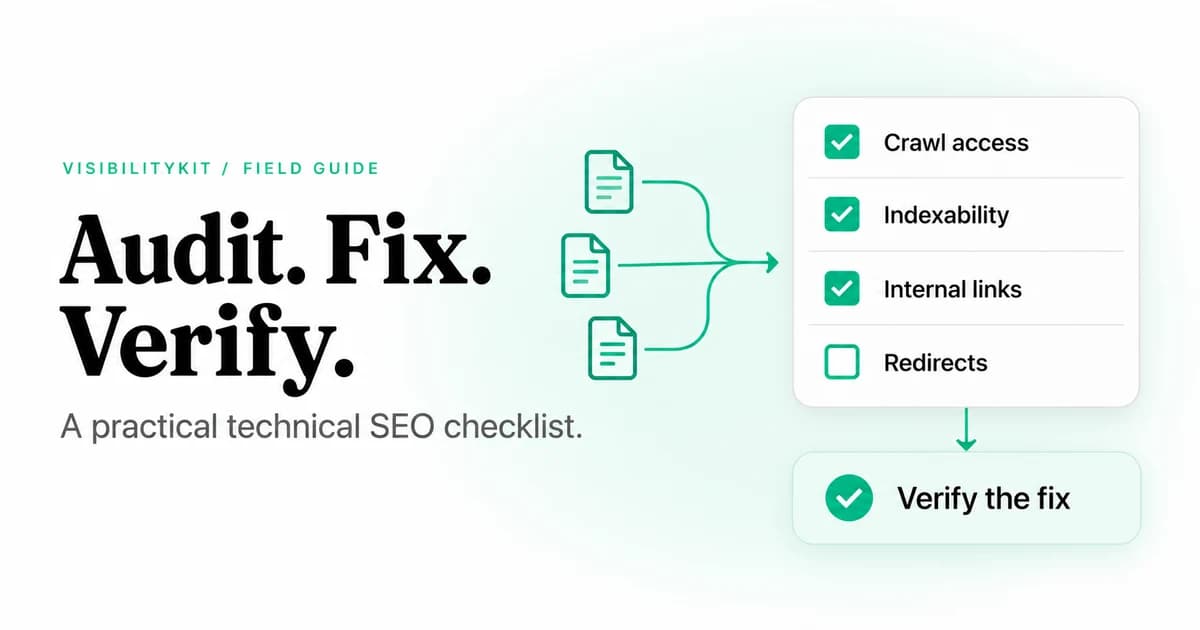
A technical SEO audit checklist should answer four questions: can a crawler reach the page, can a search engine understand and consider it for indexing, can visitors use it, and can your team prove that a fix worked? Start with access and indexability, then inspect links, templates and rendering. Finish with an assigned action plan and a fresh check of the changed URLs.
This 20-point checklist is designed for small and midsize websites, agency audits and checks after a release. It combines a website crawl with Search Console and browser inspection; a crawler alone cannot report everything Google has indexed or how real visitors experience a page.
Download the audit worksheet as CSV and use one row per issue or affected template. The worksheet contains blank evidence and owner fields, so you can adapt it to your site.
Set the scope before you count errors
Write down the production hostname, included subdomains, start URL, rendering mode, URL limits and exclusions. Record the time and site release you are inspecting. Include the page types that matter commercially: a product, a category, a service page, a landing page and an article, for example.
Use a manageable initial crawl to confirm the configuration. If a crawler reaches only the homepage, investigate access, links and rendering before treating the rest of the site as healthy. Exclude checkout actions, account pages and infinite filter combinations when they are outside the audit's purpose.
A successful audit produces reproducible findings and an ordered fix list. Every high-priority finding needs an affected URL, observed evidence, expected behavior, an owner and a verification rule.
Phase 1: access and indexability
1. Confirm that important URLs respond successfully
Check the status and content of your key pages. A 200 response is only a starting point: a page can return 200 while displaying an error, an empty shell or an unavailable product template. Open representative examples and compare their content with the intended page.
Record failed requests separately from confirmed missing pages. A timeout or temporary 503 should trigger investigation or a retry, not an automatic deletion recommendation.
2. Inspect robots.txt restrictions
Look for production paths accidentally blocked by rules copied from staging. Verify the exact user-agent group and path that apply. An audit crawler with one user agent may receive different treatment from Googlebot.
Robots restrictions control crawling; they are not a reliable way to remove a URL from search results. If you intend to use noindex, the crawler must be able to fetch it. Google explains this interaction.
3. Check meta robots and X-Robots-Tag headers
Inspect both the HTML and response headers of pages that should be discoverable in search. Look for accidental noindex rules introduced by a template, CMS setting or proxy. Keep intentional exclusions, such as an internal search result or thank-you page, in a separate category.
4. Check canonical targets
For each important template, confirm that the canonical names the intended URL. Investigate canonicals pointing to a redirect, a missing page or an unrelated language variant. Compare internal links and sitemap entries with that choice.
A canonical is a signal, not a guarantee of which URL Google selects. Use Search Console's URL Inspection when the selected canonical matters to the diagnosis. Google's canonicalization guidance explains the signals involved.
5. Review XML sitemap membership
Compare sitemap URLs with the pages you want indexed. Investigate entries that redirect, return errors or are intentionally excluded. Confirm that recently published priority pages appear where expected. A sitemap is an inventory signal, not proof of indexing or a substitute for internal links.
6. Compare crawl findings with Search Console
Inspect representative URLs in Search Console and review indexing reports. Separate what your crawler observed today from Google's indexed data and its last crawl. A website fix can pass a local recheck before Google's reports change.
Phase 2: URL structure and internal links
7. Find broken internal destinations
Locate the source page and anchor for each link to a missing destination. Correct an outdated link, restore a page that was removed accidentally, or redirect a genuinely replaced resource to its relevant successor. Avoid redirecting every removed URL to the homepage.
8. Collapse unnecessary redirect chains
Trace the full path to the final destination. Update internal links to the final URL and simplify historical redirects where you control the rules. A change is not complete until the destination's content and indexability are also correct. Use the redirect-chain guide for examples and a verification worksheet.
9. Look for orphan pages and disconnected sections
Compare the linked crawl with independent inventories such as a CMS export and XML sitemaps. Pages absent from the crawl may be disconnected, blocked, excluded by your configuration or dependent on rendering. Investigate the reason before classifying them. Follow the orphan-page audit for the comparison method.
10. Review routes to priority pages
Check whether valuable pages can be reached through relevant navigation or contextual links. Compare depth within similar page types instead of imposing a universal click-depth threshold. A buried service page may need a useful link from a category hub, not a sitewide footer entry.
11. Check anchors and destination relevance
Read links in their surrounding sentences. Replace unclear anchors when they obscure where a visitor will go. Use real crawlable links for important destinations. Google recommends anchor elements with href attributes.
12. Inspect duplicate URL patterns
Review parameters, trailing slashes, host variants and category paths. Identify which variations represent distinct content and which repeat the same page. Choose a consistent treatment based on how the site works; do not remove parameters blindly when they control meaningful content or navigation.
Phase 3: templates and rendered content
13. Inspect page titles by template
Check for missing, duplicated or misleading titles on priority URLs. Identify the template rule that caused the pattern. Write titles that distinguish the actual pages rather than appending keywords to every URL. Length warnings are review prompts, not automatic evidence of a ranking penalty.
14. Review descriptions and headings
Make sure descriptions accurately summarize the page and headings form a useful reading structure. A duplicate description across different services is worth reviewing, but it should not outrank a broken purchase or enquiry path in the fix queue.
15. Compare raw and rendered content
Check whether titles, body content, canonicals and important links appear in the initial response or require JavaScript. If rendering fails, record the failure. Do not interpret an empty render as evidence that a page intentionally contains no links. Google's JavaScript SEO documentation explains its crawling and rendering stages.
16. Validate structured data against visible content
Check that structured data describes the page the visitor sees. Validate the applicable type and required fields using Google's structured-data guidance and relevant testing tools. Fix missing data at the template or content source. Valid markup does not guarantee a rich result, and unsupported types should not be added merely to increase a score.
17. Inspect mobile usability and performance
Open the key templates on a narrow viewport. Test navigation, overlays, layout shifts and the primary action. Use PageSpeed Insights or Search Console for performance evidence, distinguishing field data from a single lab run. Google explains how Core Web Vitals relate to search. A crawler's response-time column is not a complete Core Web Vitals assessment.
18. Check HTTPS and important resources
Investigate insecure resource references and missing scripts, styles or images that affect the page. Confirm that certificate and hostname behavior work across entry URLs users actually visit. Separate a decorative asset issue from a resource failure that prevents navigation or content rendering.
Phase 4: delivery and verification
19. Prioritize by consequence, coverage and confidence
Create three practical queues:
- Access and conversion failures: unavailable key pages, broken navigation and unintended indexing exclusions.
- Discovery and consolidation problems: disconnected pages, incorrect canonical targets and avoidable redirect paths.
- Template improvements: titles, descriptions and presentation issues with lower immediate impact.
Within each queue, record the affected templates, likely user consequence and evidence strength. One template fix can resolve many URL-level findings. A large warning count alone does not establish business priority.
20. Verify the changed condition after deployment
Agree on an acceptance test before implementation. For an internal link fix, re-fetch the source page, inspect the link target and request the destination. For a removed noindex, inspect the new HTML and headers. For a redirect, check every affected variant and the final content.
Preserve both the original observation and the fresh result. If the site times out during verification, leave the result inconclusive and retry. Do not report a pass based solely on a task status.
An example finding that a developer can act on
The following is an illustrative ticket, not a finding from a customer website:
| Field | Example |
|---|---|
| Issue | Category template links to a retired product URL |
| Source | /collections/desk-lighting |
| Current target | /products/old-desk-lamp returns 404 |
| Intended behavior | Link to the replacement product if it serves the same need |
| Owner | Storefront development |
| Acceptance test | Source contains the agreed target; target returns the correct product with 200 |
| Verification | Record timestamp, response and remaining exceptions after deployment |
This is more useful than a ticket that says “fix broken links.” It tells the implementer what to change and the reviewer what to inspect.
Run the checklist with VisibilityKit Crawler
VisibilityKit Crawler can supply crawl findings and keep owners, notes and fresh-check evidence with the action plan. Its free tier includes the audit-and-verification workflow and MCP access. Paid tiers add rendering, integrations and other capabilities described on the product page.
Use external tools where the checklist requires them: Search Console for Google's indexing evidence, a browser for real interactions and performance tools for user-experience measurements. The checklist is broader than any single crawl report.
If you are choosing software, compare the Screaming Frog alternatives. For link architecture work, continue with the internal linking audit.
Technical SEO audit questions
Frequently Asked Questions
Keep the finding and the proof together
Use Crawler to turn audit findings into assigned work and re-check the affected URLs after your changes ship.
Explore the audit workflow